Translated editions without re-typesetting the book.
Books, magazines and catalogues come back as InDesign files with chapters, footnotes, tables and page flow intact, ready for a final proof.
Capítulo 2
El río
El río había cambiado de curso dos veces en un siglo, y cada vez el pueblo se mudó con él.1
1 Registros municipales, 1891–1974.
Nadie anotó por qué. Los mapas solo muestran las calles desplazándose hacia el este, unos cientos de metros por generación.
25
From the press to the bookshop table.
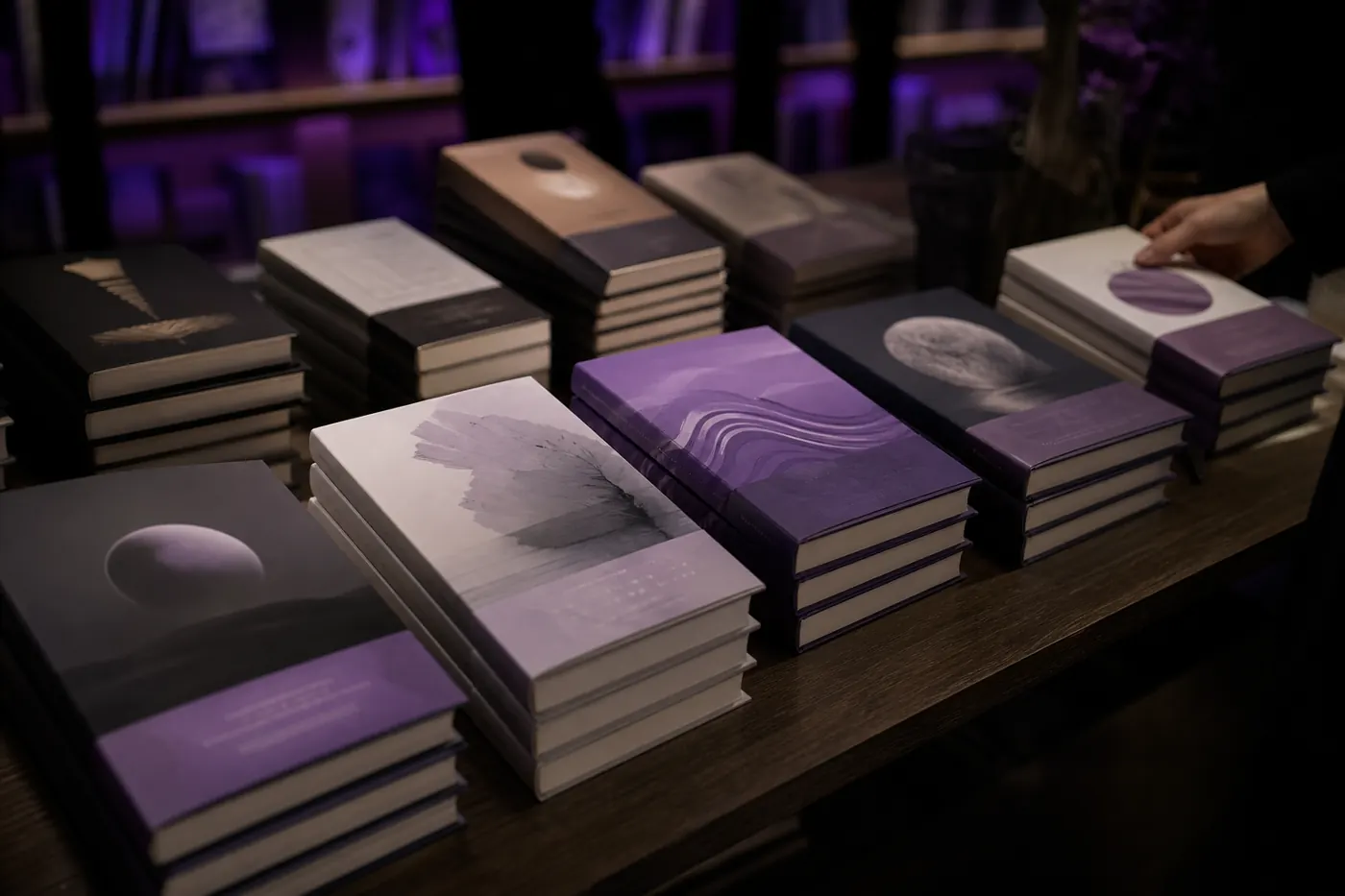
On the table
Every edition from the same InDesign file, in the same design.
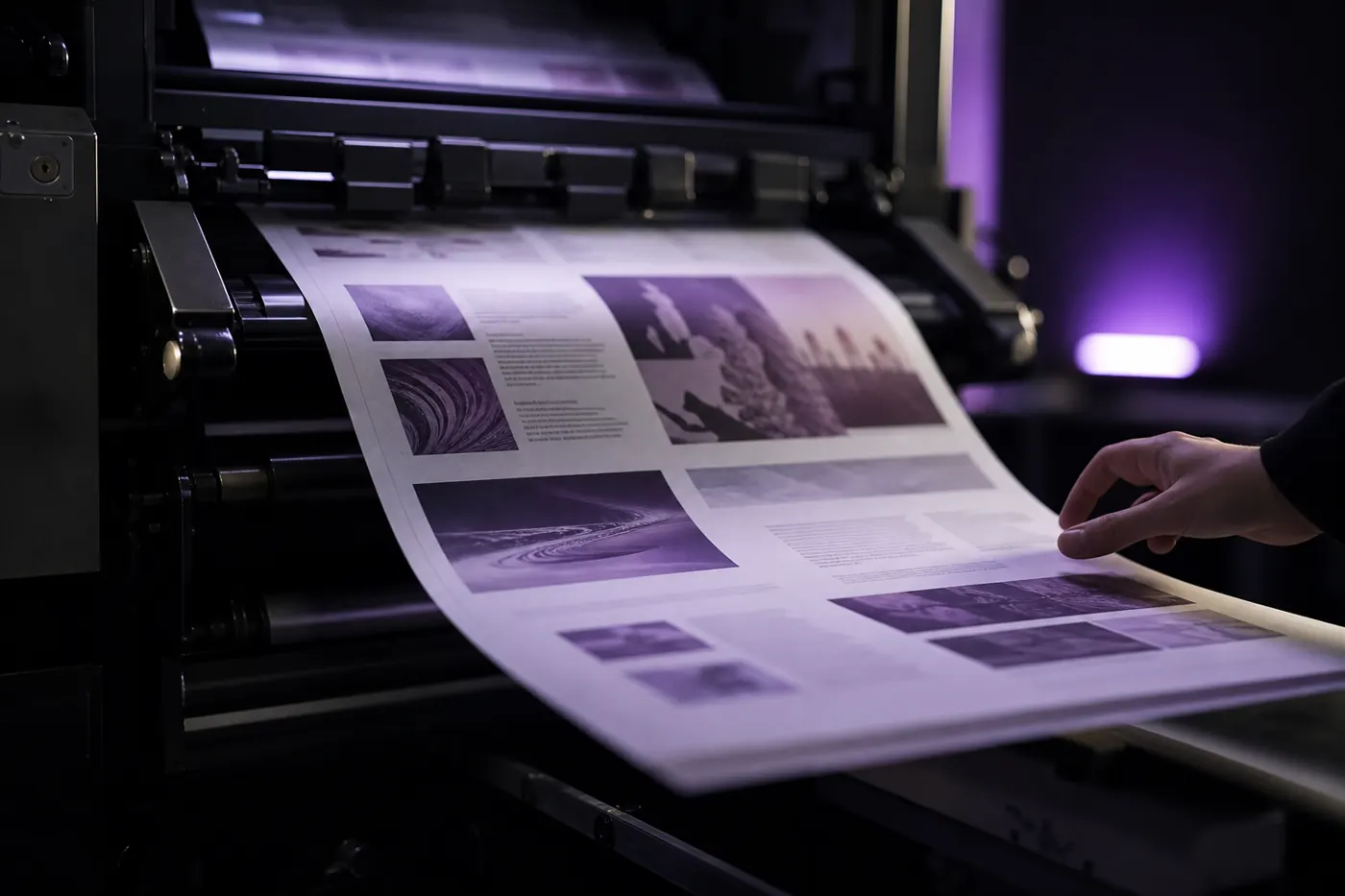
On the press
Print-ready files, because nothing was rebuilt by hand.
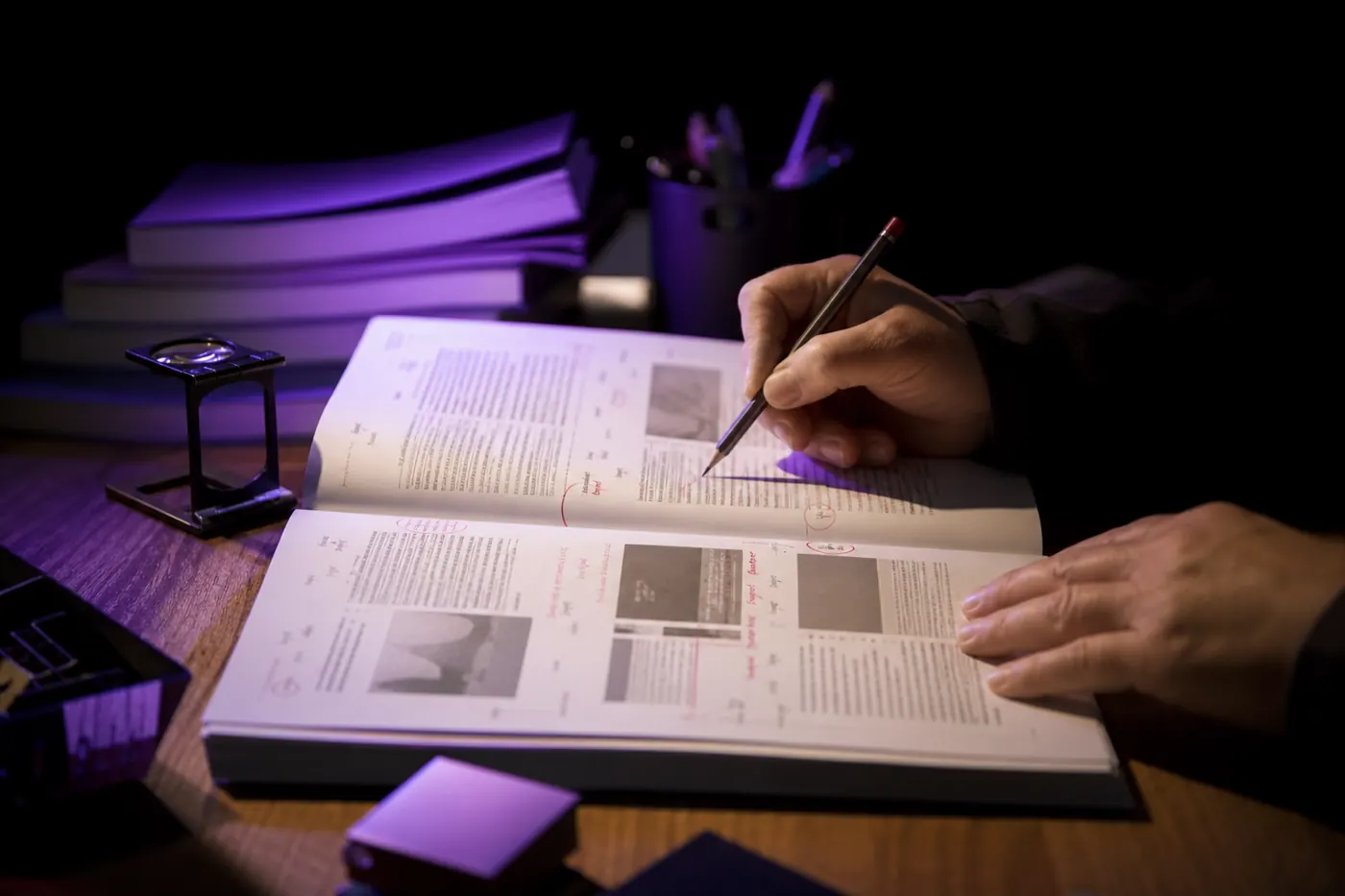
At proof
Proofreaders check language, not broken frames.
What a long document keeps.
- Threaded stories
- Text flowing across hundreds of frames reflows in the same thread.
- Footnotes and endnotes
- Each note stays tied to its marker, at the foot of its page.
- Paragraph and character styles
- Every style your designer set is still applied, so the next edit doesn't break the book.
- Right-to-left editions
- Arabic and Hebrew editions mirror within their template, so they open and read the right way.
A new edition, from file to press.
- 1
Upload the IDML
Export it from InDesign (File → Save As → InDesign Markup).
.idml
- 2
Pick the editions
Long books run in the background; you're notified when each is ready.
background jobs
- 3
Check with the QA report
It shows the segments worth a proofreader's attention first.
QA report
- 4
Proof and print
Open the IDML in InDesign, make the final pass and send it to press.
same file type
Questions publishers ask us
How long can a document be?
Long books and catalogues are fine. Jobs run in the background and you get a notification when the translated file is ready.
Do we get an editable file back?
Yes. You get the same file type you uploaded: an IDML opens in InDesign, a DOCX in Word, a PPTX in PowerPoint. Nothing is flattened into a PDF you can't change. The one exception is Photoshop: a PSD comes back as a flattened PNG.
Can we keep our own terminology?
Yes. Add terms to a glossary once and every translation in the workspace uses them, so product names, regulated phrases and house style stay the same across files and languages.
Which languages can we translate into?
40+ languages, including right-to-left scripts. Arabic and Hebrew come back with the layout mirrored the way a native designer would set it, not just the text reversed.
Send us one chapter.
Proof it in every edition.
Free trial. No card required.