Stop pasting translations into InDesign.
Send the IDML and get the IDML back in every language, with styles, master pages and linked artwork intact. Open it and keep designing.
Relazione annuale 2025
Un anno di crescita costante in tutte le regioni.
Figura 1: Ricavi per regione
Paragraph Styles
Where your layouts live.
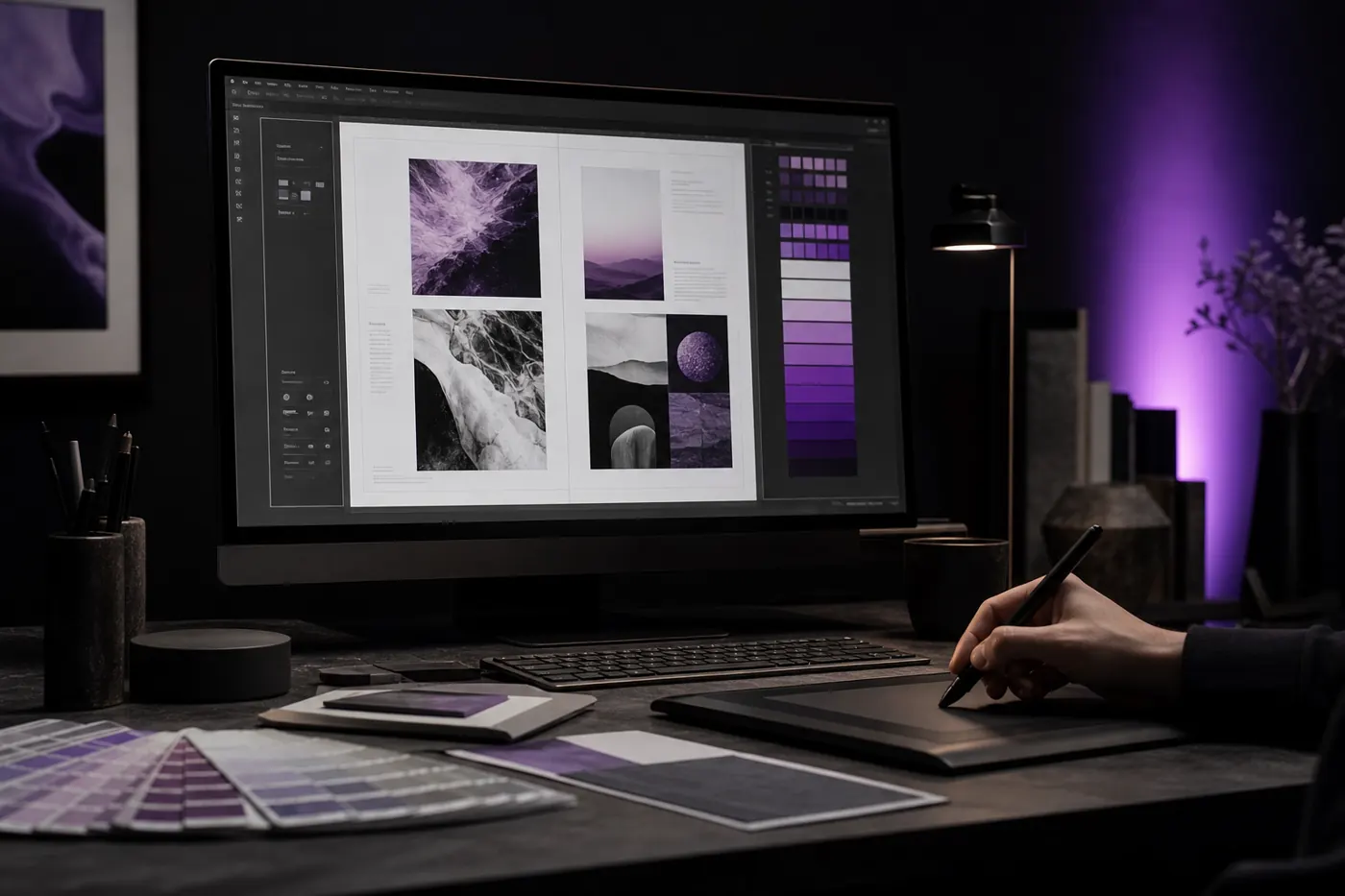
In the studio
The translated file opens in InDesign like the one you sent.
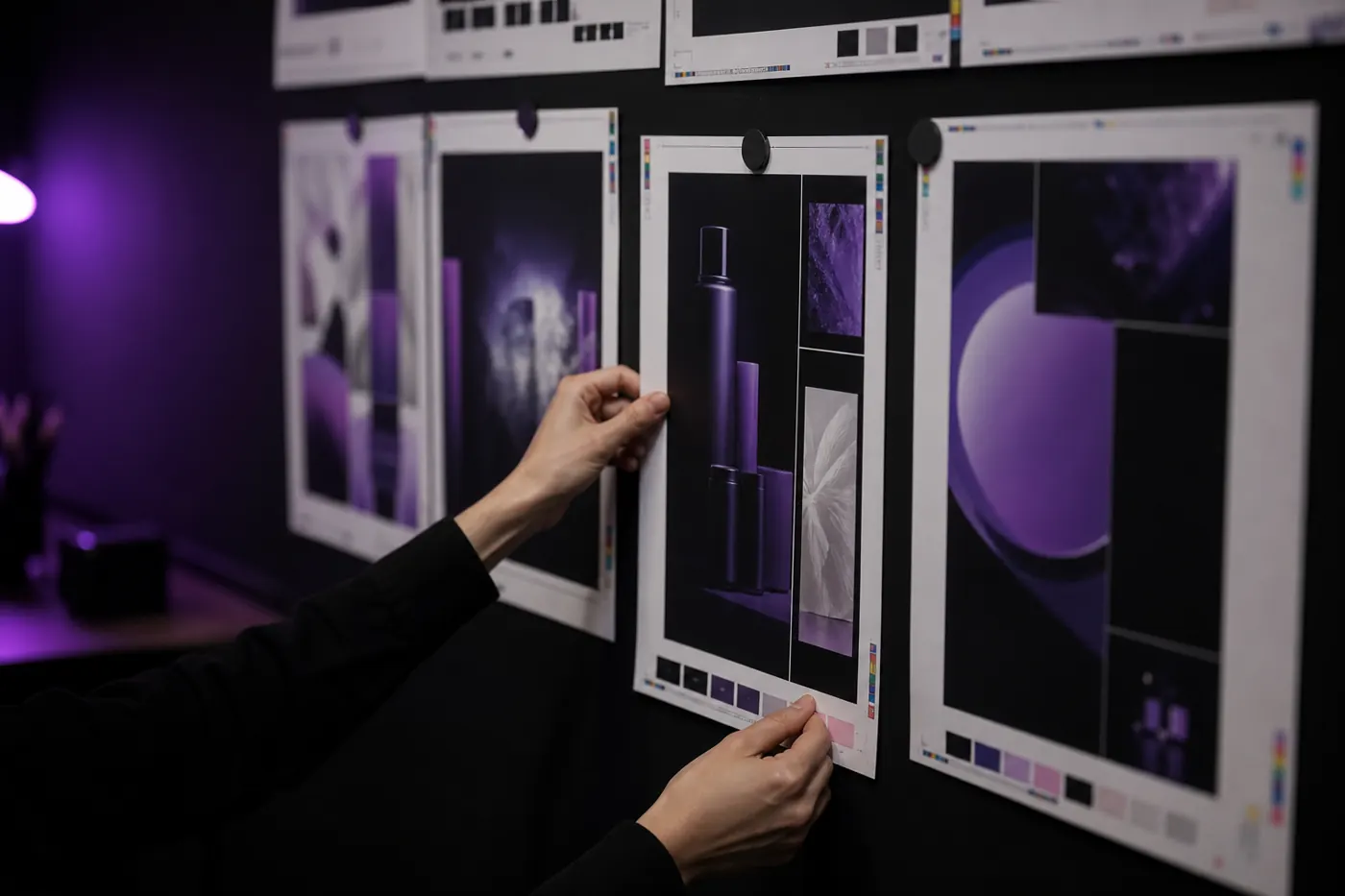
On the proof wall
Every language version proofs against the same grid.
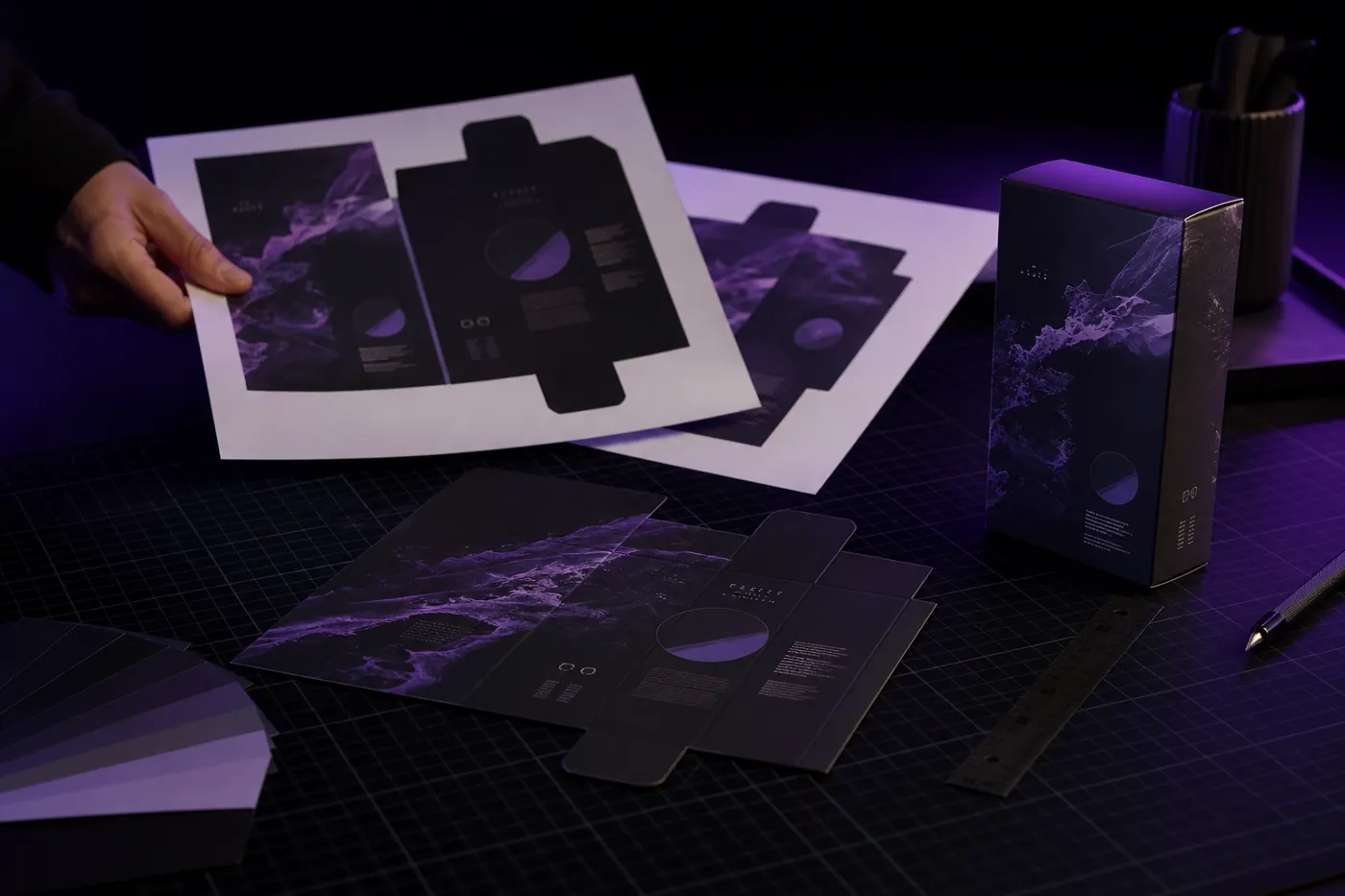
On the cutting mat
Packaging artwork comes back on your dieline.
What stays exactly as you built it.
- Paragraph and character styles
- Applied exactly as in the source, so the next edit behaves the same.
- Master pages and grids
- The template stays put; only the content moves where a language needs it to.
- Linked graphics
- Upload the placed .ai, .psd and .eps files too, and the text inside them is translated.
- Right-to-left mirroring
- Arabic and Hebrew mirror within each page, as a native designer would set them.
From your file back to your file.
- 1
Export the IDML
In InDesign: File → Save As → InDesign Markup. Bring the Links folder.
.idml + links
- 2
Pick the languages
Each language comes back as its own IDML.
per language
- 3
Preview side by side
Check every page against the source before you download.
preview
- 4
Open and finish
Fix the odd line break in InDesign and send to print.
editable
Questions designers ask us
Do you support .indd files?
Export to IDML from InDesign (File → Save As → InDesign Markup) and upload that. You get an IDML back that opens in any recent InDesign.
What happens to our paragraph styles?
They stay. Translated text keeps the styles applied in the source, so the document behaves the same when you edit it.
Do we get an editable file back?
Yes. You get the same file type you uploaded: an IDML opens in InDesign, a DOCX in Word, a PPTX in PowerPoint. Nothing is flattened into a PDF you can't change. The one exception is Photoshop: a PSD comes back as a flattened PNG.
Which languages can we translate into?
40+ languages, including right-to-left scripts. Arabic and Hebrew come back with the layout mirrored the way a native designer would set it, not just the text reversed.
Send us one IDML.
Open it in every language.
Free trial. No card required.