Manuals that ship with the product, in every language.
Installation guides, spec sheets and safety documents come back translated with the diagrams, callouts and tables exactly where your technical writers put them.
Installationsanleitung
WF-200Schritt 3: Schieben Sie die Filterkartusche in das Gehäuse, bis sie einrastet.
Vor dem Öffnen der Abdeckung den Netzstecker ziehen.
From the factory floor to the installer's hands.
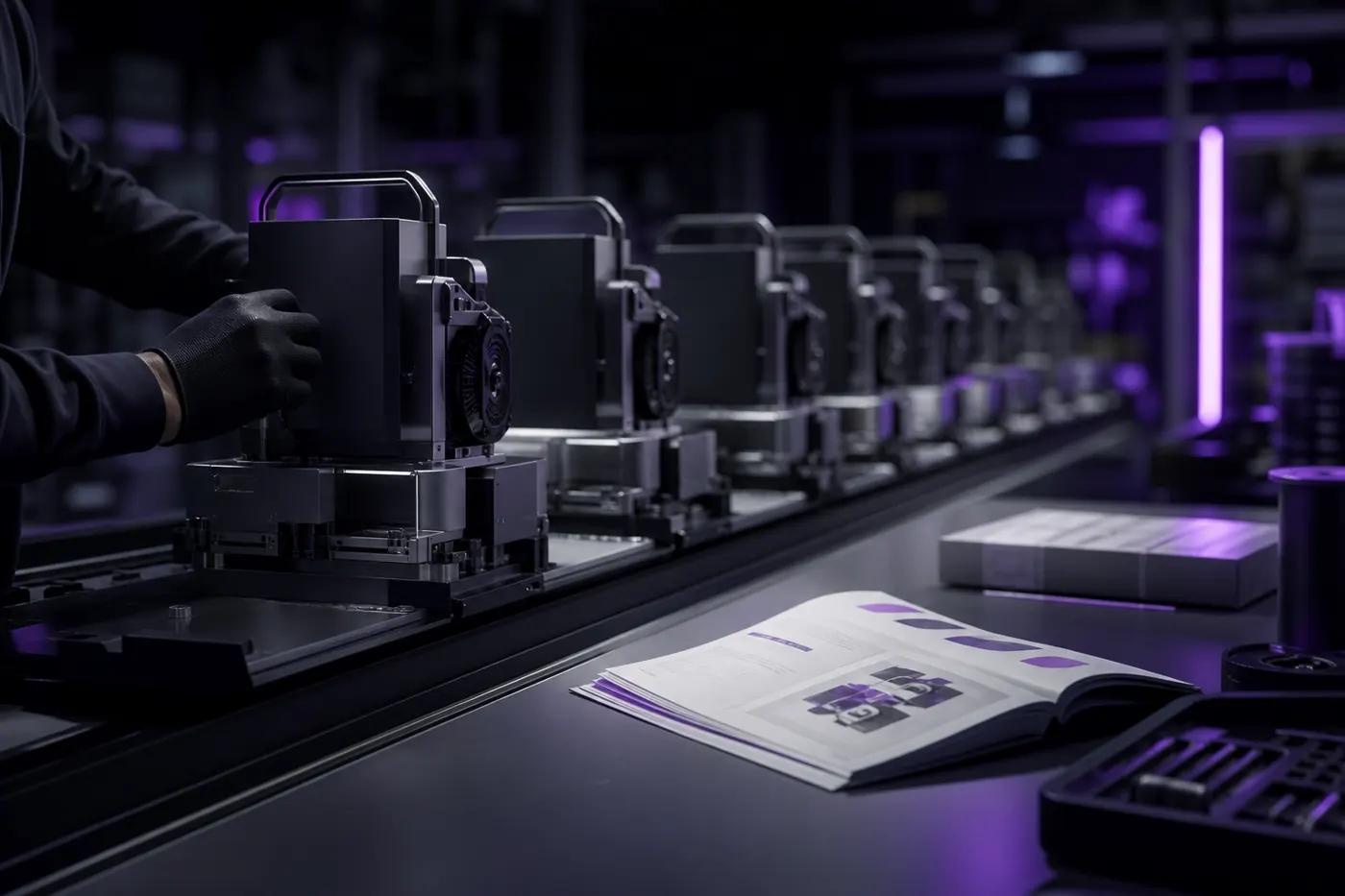
On the line
Every variant that leaves the line needs its manual in the market's language.
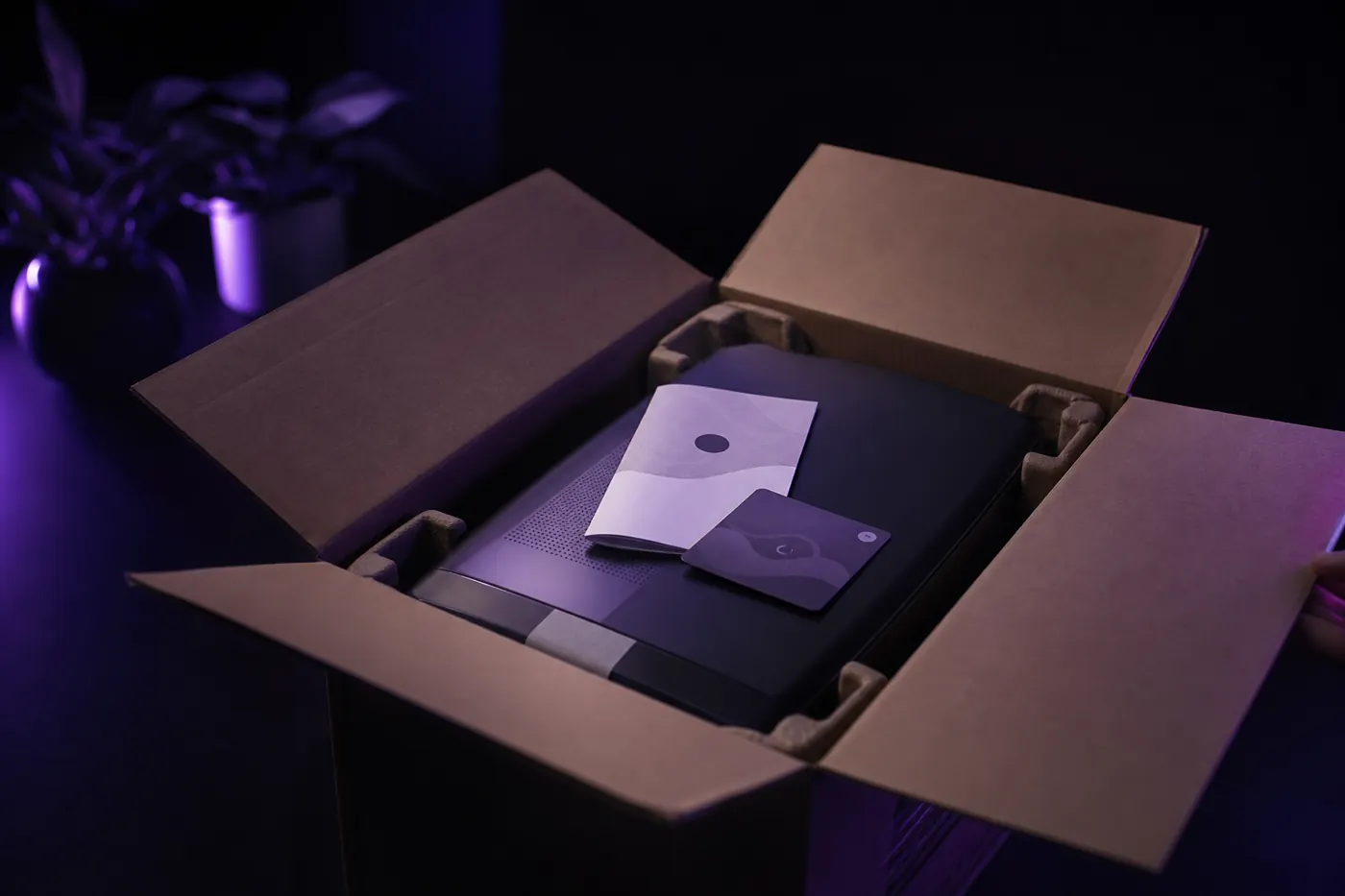
In the box
Quick-start cards and full manuals, translated from the same source files.
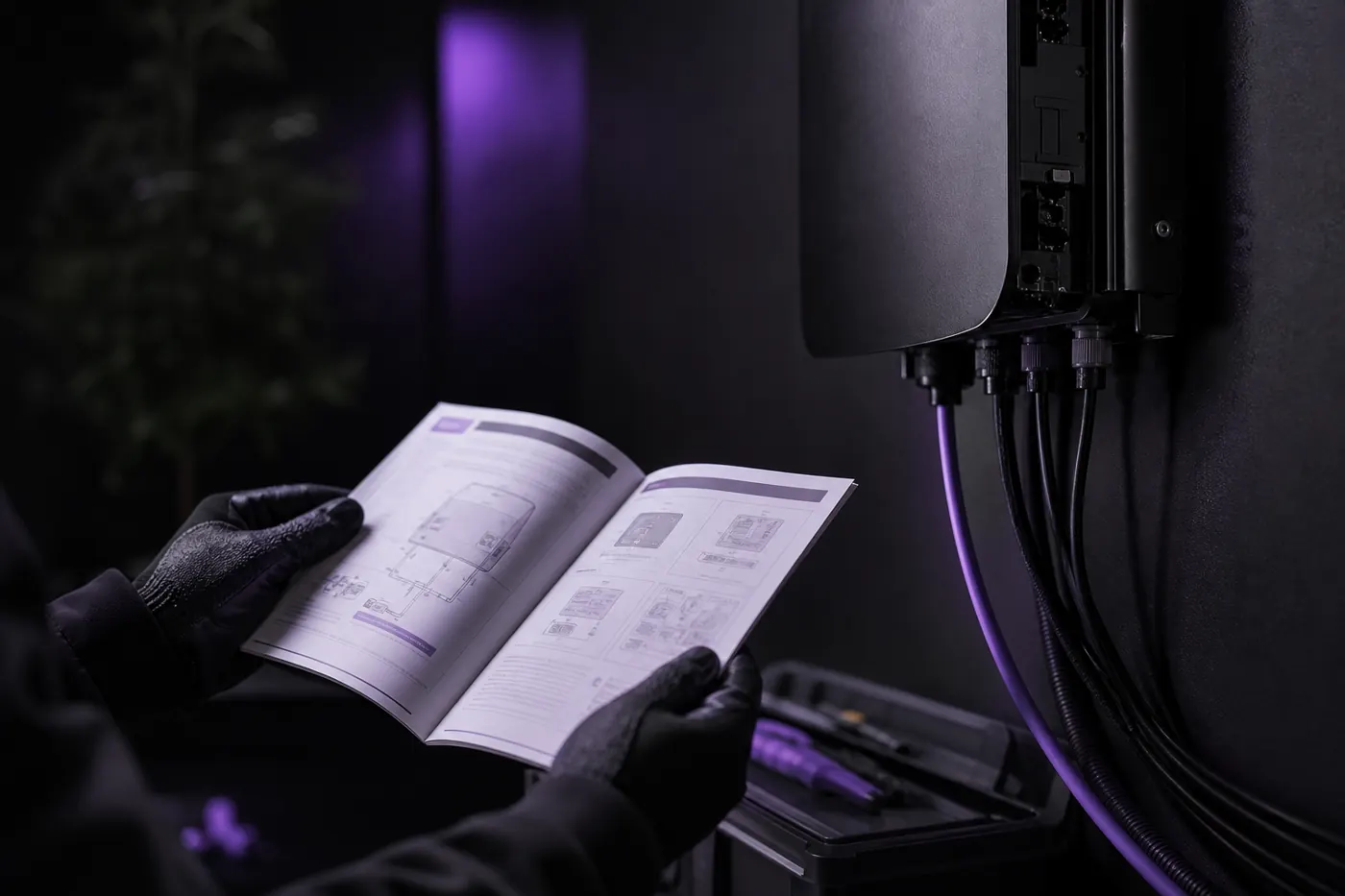
On site
The installer reads every callout and warning in their own language.
Labels translate. Values stay exactly as written.
Numbers, units, part numbers and model codes are protected before translation, so a spec table can't drift. Here is the same table in German: every label in German, every value untouched.
- Callouts stay attached to the right part
- Safety signal words come from your glossary
- Diagram labels in linked artwork are translated too
| Technische Daten | WF-200 |
|---|---|
| Nennleistung | 45 W |
| Betriebsdruck | 1–6 bar |
| Durchfluss | 2,4 l/min |
| Schutzart | IPX4 |
| Gewicht | 3,2 kg |
A new product variant, documented in every market.
- 1
Upload the manual
The InDesign or PDF manual, plus the linked diagram artwork.
.idml · .pdf · .ai
- 2
Pick the markets
Choose every language at once. Your glossary keeps part names and warnings consistent.
glossary
- 3
Check the QA report
It points to the segments worth a look, such as a callout that ran long.
QA report
- 4
Ship it
Each manual comes back as the same file type, ready for print or the product page.
same format
Questions engineering and documentation teams ask us
Can we keep our own terminology?
Yes. Add terms to a glossary once and every translation in the workspace uses them, so product names, regulated phrases and house style stay the same across files and languages.
Do we get an editable file back?
Yes. You get the same file type you uploaded: an IDML opens in InDesign, a DOCX in Word, a PPTX in PowerPoint. Nothing is flattened into a PDF you can't change. The one exception is Photoshop: a PSD comes back as a flattened PNG.
Which languages can we translate into?
40+ languages, including right-to-left scripts. Arabic and Hebrew come back with the layout mirrored the way a native designer would set it, not just the text reversed.
Send us one manual.
Check every callout.
Free trial. No card required.