Training that still fits on the slide.
Decks, handbooks, job aids and safety posters translated with diagrams and layout intact, and longer languages fitted back into their boxes.
Sicherheit zuerst: richtiges Heben
- Gehen Sie beim Heben in die Knie und nicht in den Rücken
- Halten Sie die Last während des Tragens möglichst nah am Körper
- Bitten Sie bei Lasten über 25 kg unbedingt um Hilfe
Wherever people learn the job.
In the training room
Every site runs the session from the same deck, in its language.
At the desk
Handbooks and course material that match the slides.
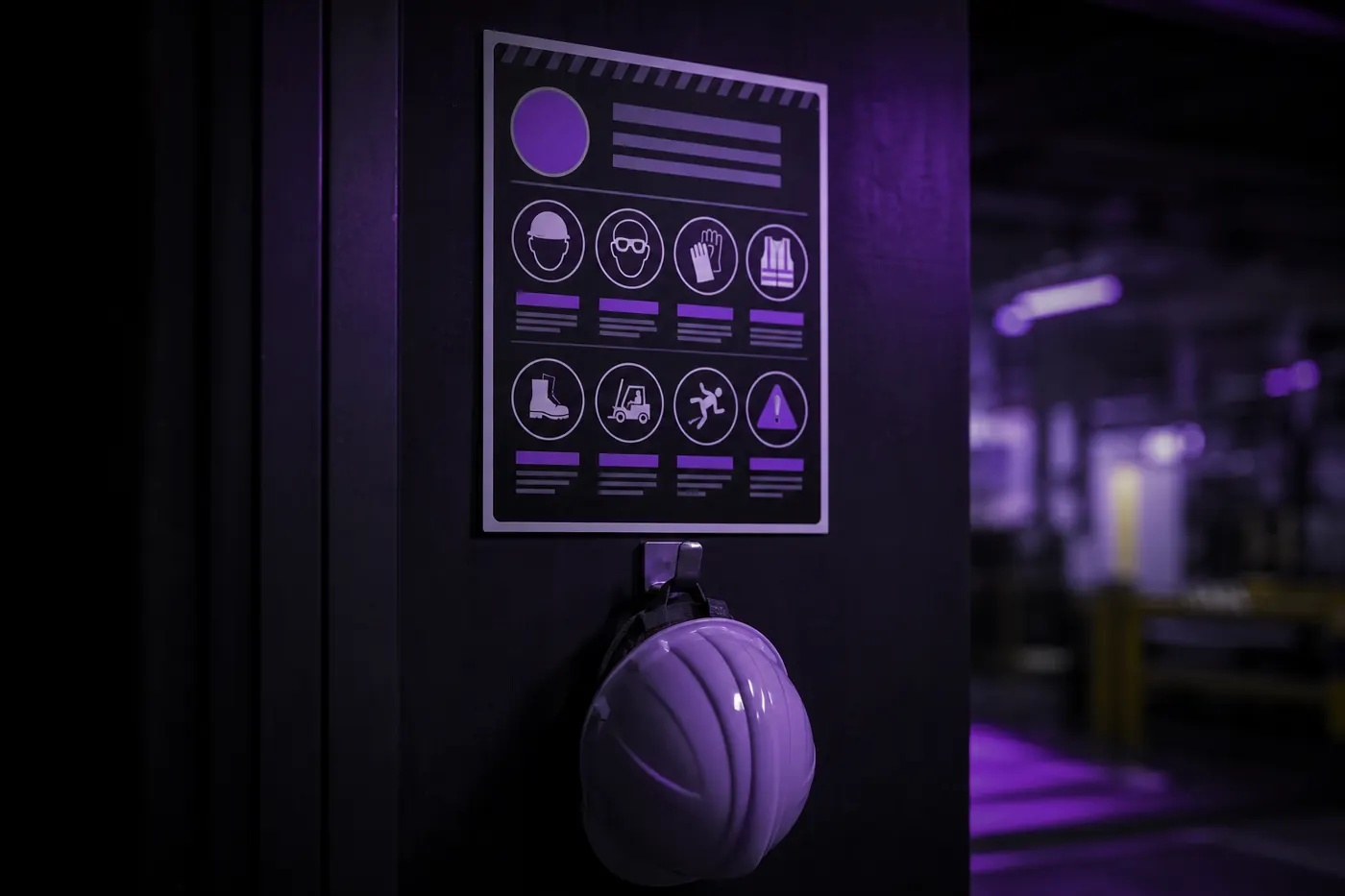
On the floor
Safety posters people read at the moment it matters.
Everything in the training pack.
- Slide decks
- PowerPoint text fitted to its boxes; longer languages don't spill off the slide.
- Handbooks and job aids
- Word and PDF come back in the same layout, ready to print or share.
- Diagrams and screenshots
- Labels inside images are translated and redrawn in place.
- Safety posters
- Pictograms stay; the words beside them change language.
A new module, rolled out to every site.
- 1
Save it as a workflow
Target languages, a QA report and where results go, set once.
workflow
- 2
Drop in the new module
Decks, handbooks and images together.
.pptx · .docx · .png
- 3
Check the report
See which slides are worth a trainer's look.
QA report
- 4
Hand it to the sites
Every file comes back editable, so trainers can tweak.
same format
Questions L&D teams ask us
Do you support SCORM packages?
Not yet. Translate the source decks, documents and images that go into the course, then rebuild the package in your authoring tool.
Do we get an editable file back?
Yes. You get the same file type you uploaded: an IDML opens in InDesign, a DOCX in Word, a PPTX in PowerPoint. Nothing is flattened into a PDF you can't change. The one exception is Photoshop: a PSD comes back as a flattened PNG.
Can we keep our own terminology?
Yes. Add terms to a glossary once and every translation in the workspace uses them, so product names, regulated phrases and house style stay the same across files and languages.
Which languages can we translate into?
40+ languages, including right-to-left scripts. Arabic and Hebrew come back with the layout mirrored the way a native designer would set it, not just the text reversed.
Send us one deck.
Train every site.
Free trial. No card required.